
I connect to the Internet using mobile broadband so I only connect and download pages when I need to. I’d like to view pages held in my browser history while I’m offline. How can I do this?
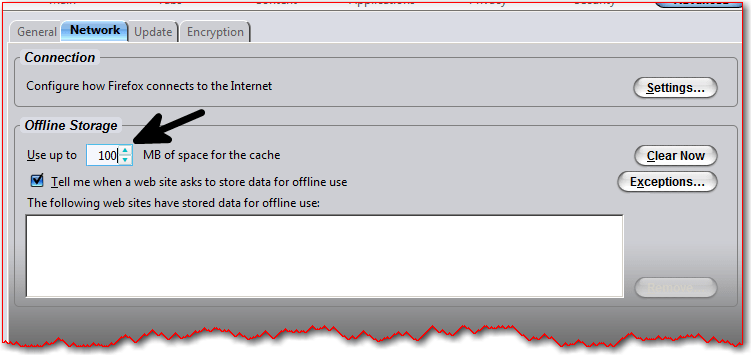
You can try using a different browser. Firefox, for example, has a setting for offline storage in the Tools menu. To access this select Options, advanced and click on the Network tab. Increase the size of the space reserved for offline storage to 100Mb or more.
Check the Work Offline option in the File menu and it should be able to display the pages stored in the browser history.
Browsing pages offline can be useful, especially if you travel a lot. So next time you’re heading off on a golf trip, just check pull down all the tourist information you need first, then you can view them offline.
